
iPhone 17 Pro and iPhone 17 Pro Max
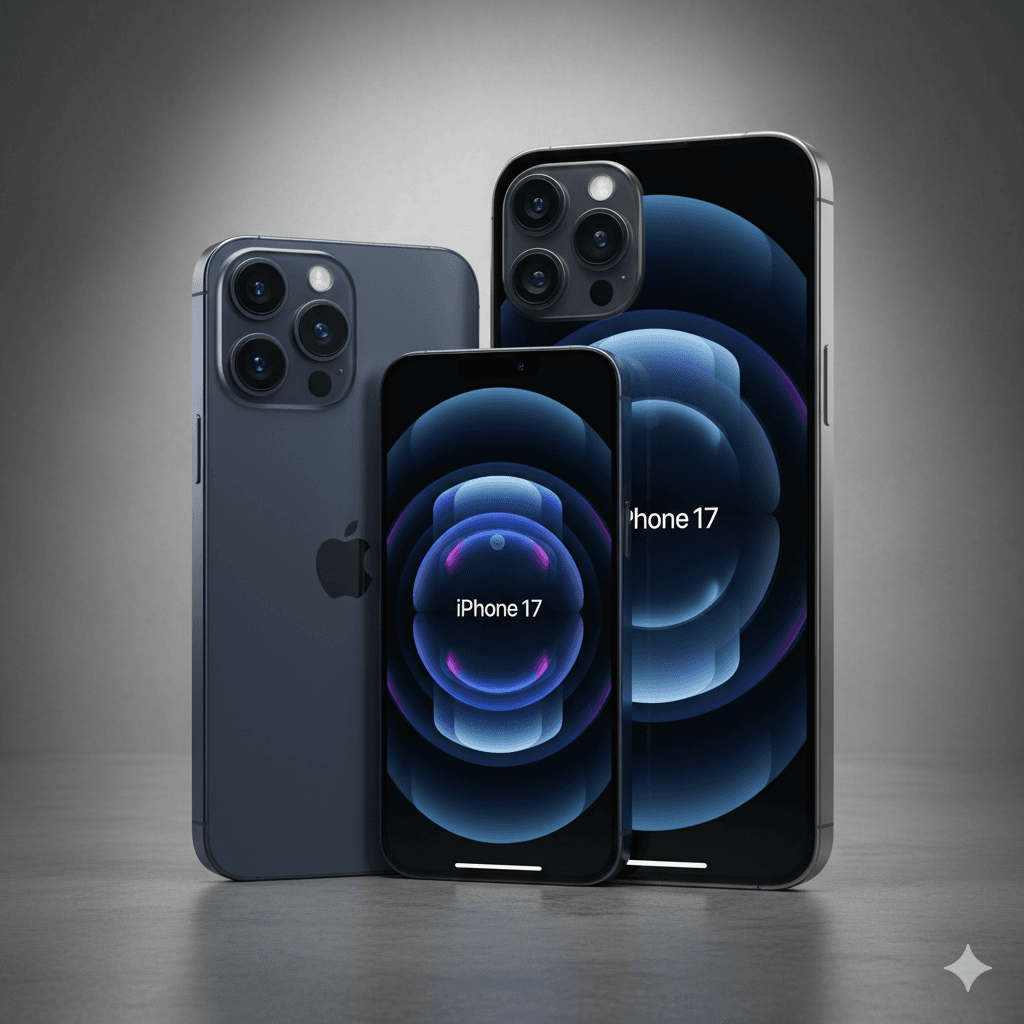
iPhone 17 Series – Everything You Need to Know
Apple has finally introduced the iPhone 17 lineup, and as always, the new models are packed with performance upgrades, refined design, and smarter features. This year’s iPhones are not just an incremental update; they bring noticeable improvements in display brightness, battery life, and processing power, while also offering a sleek new finish.
Let’s dive into all the major highlights and specifications of the iPhone 17 and what makes it stand out.
Key Highlights of iPhone 17
Launch Date: September 2025
Starting Price (India): ₹82,900 (base model)
Color Variants: Black, White, Mist Blue, Sage Green, Lavender
Body Design: Aluminium frame with Ceramic Shield 2 front and color-infused glass back
Display & Design
Apple continues its focus on durability and premium aesthetics. The iPhone 17 sports a 6.3-inch OLED Super Retina XDR display with ProMotion 120Hz refresh rate. Outdoor visibility has been significantly improved, with peak brightness reaching up to 3000 nits, making it one of the brightest displays ever on an iPhone.
The design includes:
Dynamic Island for interactive notifications
Always-On Display support
Slimmer bezels for a more immersive viewing experience
Performance
At the heart of the iPhone 17 is the Apple A19 Bionic chip, built on advanced 3nm architecture. This chip delivers lightning-fast performance while keeping efficiency in check. Paired with 8GB RAM, multitasking feels smooth and effortless.
Storage options start from 256GB, ensuring plenty of room for apps, photos, and videos.
Camera System
Photography gets a major boost this year. The iPhone 17 features a dual 48MP rear camera setup:
48MP main sensor – for sharp and detailed shots
48MP ultra-wide lens – for capturing landscapes and group shots
अपना सिबिल स्कोर कैसे इम्प्रूव करें।
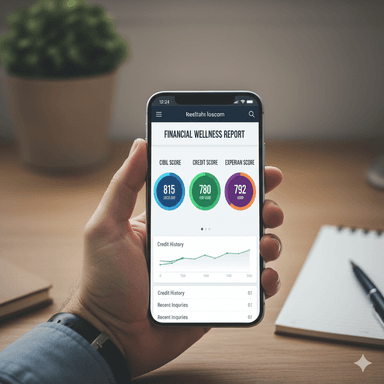
पायल गेमिंग का वीडियो वायरल हुआ।

PHP kya hai

Go (Golang)

jogkart online shopping app

mPokket से लोन कैसे लें बिना किसी CIBIL स्कोर के

मोदी सरकार दे रही है 5 लाख तक का लोन

मोदी सरकार दे रही है 5 लाख तक का लोन
बेबीलोन का सबसे अमीर आदमी (The Richest Man in Babylon)

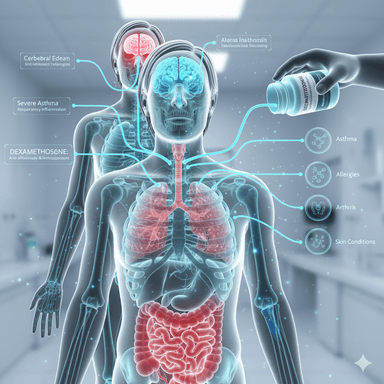
Dexamethasone or dexa tablet uses